Guide
How to block TikTok on a laptop
On a laptop, TikTok runs in the browser, so that's where to block it.
Router blocking
Many routers can block tiktok.com, but only on your home Wi-Fi. It stops working at a friend's house or on a phone hotspot, and a VPN gets around it.
Windows and Mac built-in controls
Microsoft Family Safety needs Microsoft accounts for you and your child, and only filters Edge. Mac Screen Time can limit websites in Safari and some other browsers, but it needs Apple accounts and setup on each device.
Block it in the browser with a PIN
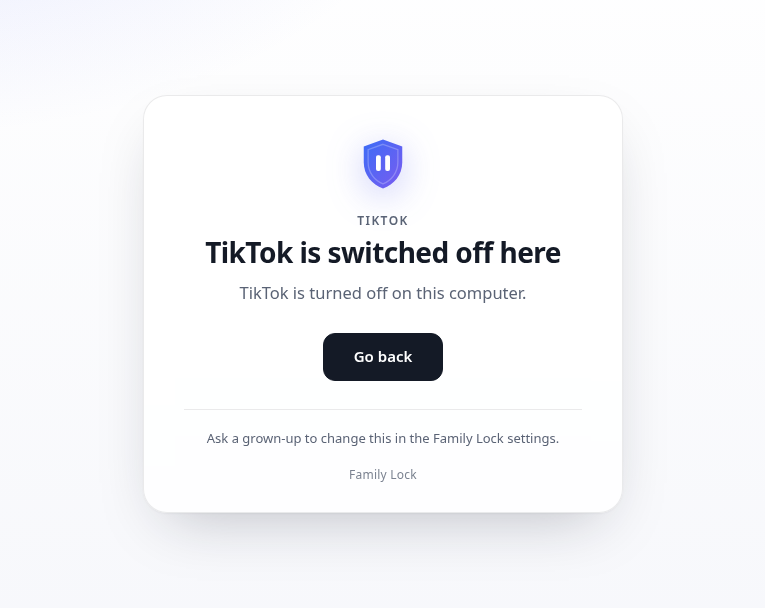
Family Lock Kids blocks TikTok in Chrome and Edge on any network, including TikToks embedded in other sites. Changing it needs your PIN. Settings stay on your computer.
Close the usual loopholes
- Switch off Incognito / InPrivate.
- Block Firefox, or make sure the same block is in each browser you allow.
- Give your child a standard account so they can't uninstall things.
Family Lock's Windows installer does those three for Chrome, Edge and Firefox. Other browsers still need a second look — see the FAQ.