Family Lock Kids
The endless feeds, gone. The useful internet, untouched.
Family Lock Kids is for the computer your children and teens actually use. It turns off the endless feeds and sets a bedtime. Only you can change it, with your PIN. Everything stays on your computer.
What it switches off
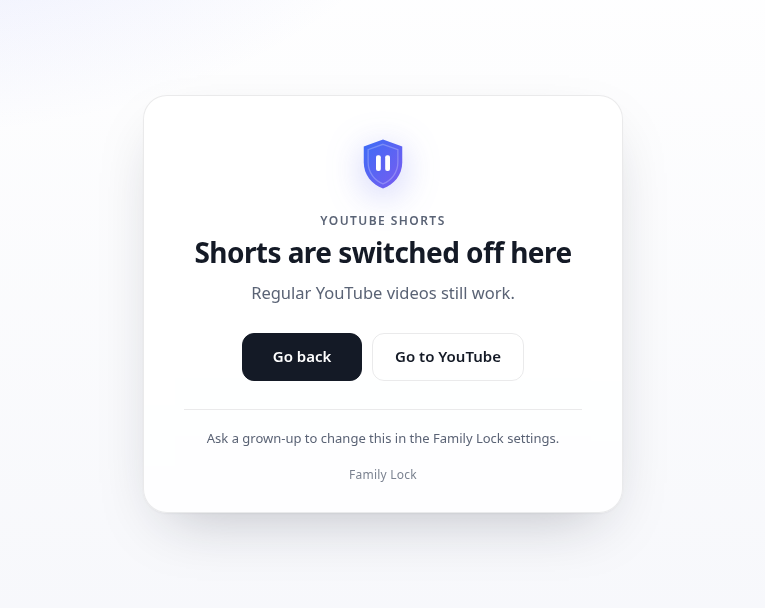
TikTok is blocked completely, including clips embedded on other sites. YouTube Shorts, YouTube Playables (the games inside YouTube), Instagram Reels, Facebook Reels and Snapchat Spotlight each have their own switch. Regular YouTube — search, school videos and channels — keeps working.
Bedtime
Set a window, for example 9pm to 8am. During those hours, browsing is paused on a calm bedtime screen. If a parent is linked, a child can ask for a one-time unlock code from your phone. On Windows, Family Lock can also sign out a child's standard account during bedtime, so the computer itself quiets down.
Safe search, on every plan
Family Lock turns on the safe modes already built into Google, Bing and DuckDuckGo, and the Windows installer or Mac profile keeps them on. YouTube Restricted Mode is available too, but it's off by default, because it can hide school videos.
Homework time and exceptions
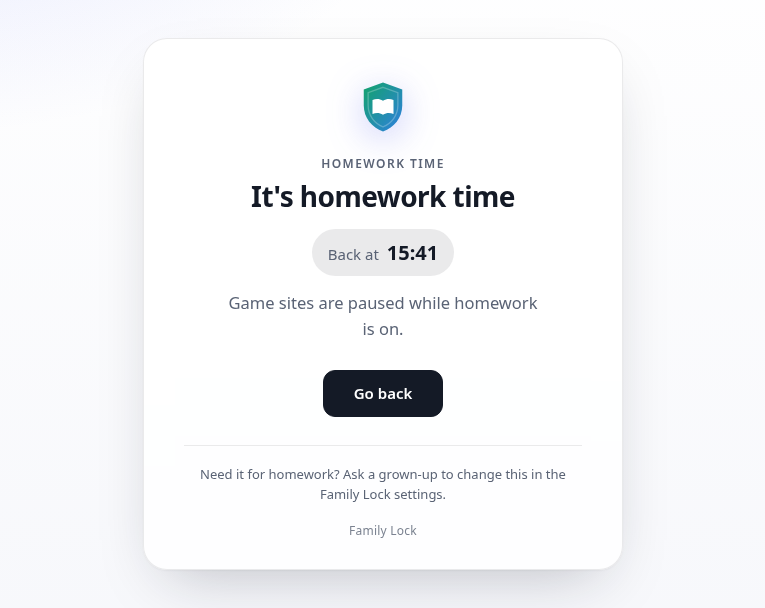
On the homework plan, you can choose Always on, Off, or On at the days and hours you pick. Games, social media and AI chatbots pause; sites you add to the exceptions list, such as a school portal, stay open. YouTube can still be used for schoolwork.
Unlock codes from your phone
Your child taps “Ask a parent” on a blocked page and sends you a short request. You approve it on your phone and read back a one-time code. The secret that makes the codes lives in a link on your phone — the part after # is never sent to a server — and the computer only keeps one-way checks. That request never comes to us. How unlock codes work.
A PIN that keeps it on
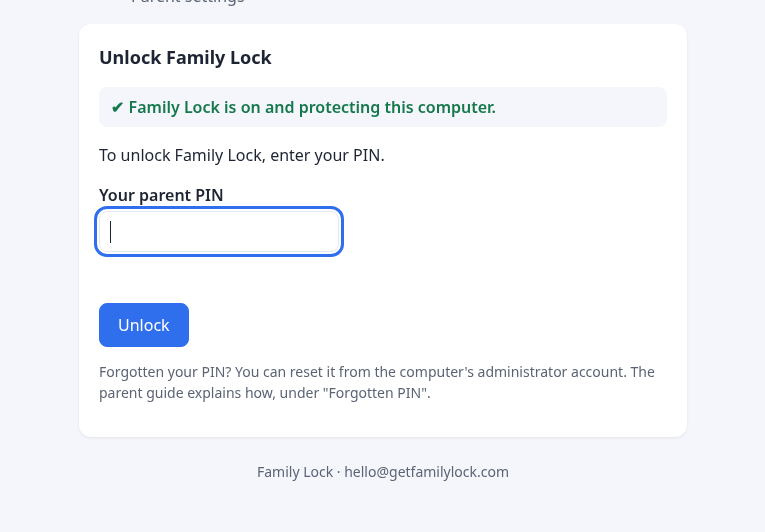
Changing settings, or switching Family Lock off, needs your parent PIN. On Windows, uninstalling it from Settings also asks for that PIN first. The installer (and the Mac profile) keep Family Lock in Chrome and Edge, and switch off Incognito, Guest mode and new profiles.
Privacy, by design
There is no child account and no dashboard of their history. Settings live on the family's computer. We don't collect, store or sell browsing data. Read the privacy policy.